Mobile Delivery10.0.2
Publisher Description
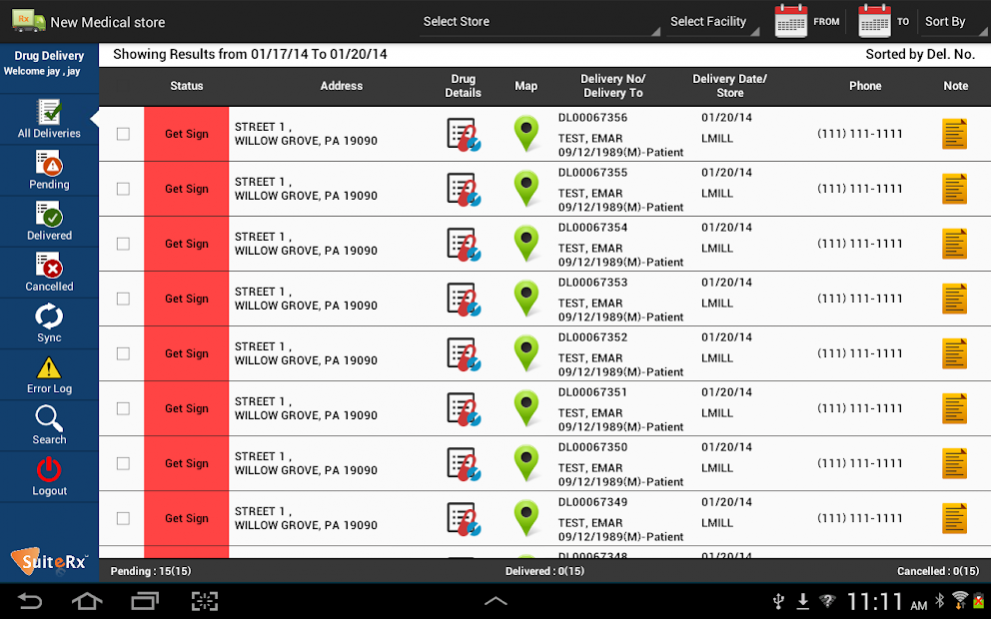
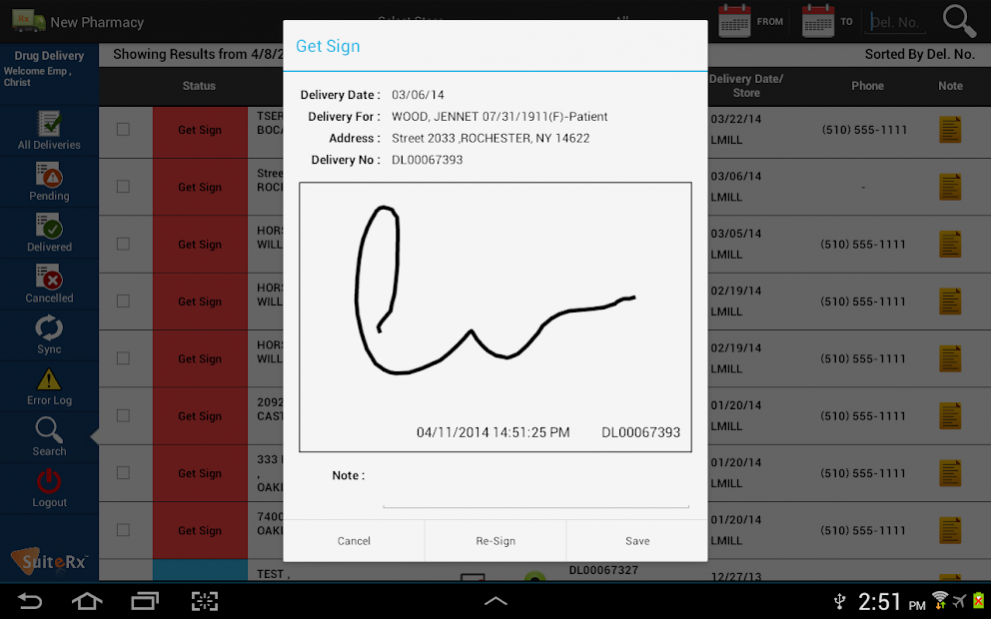
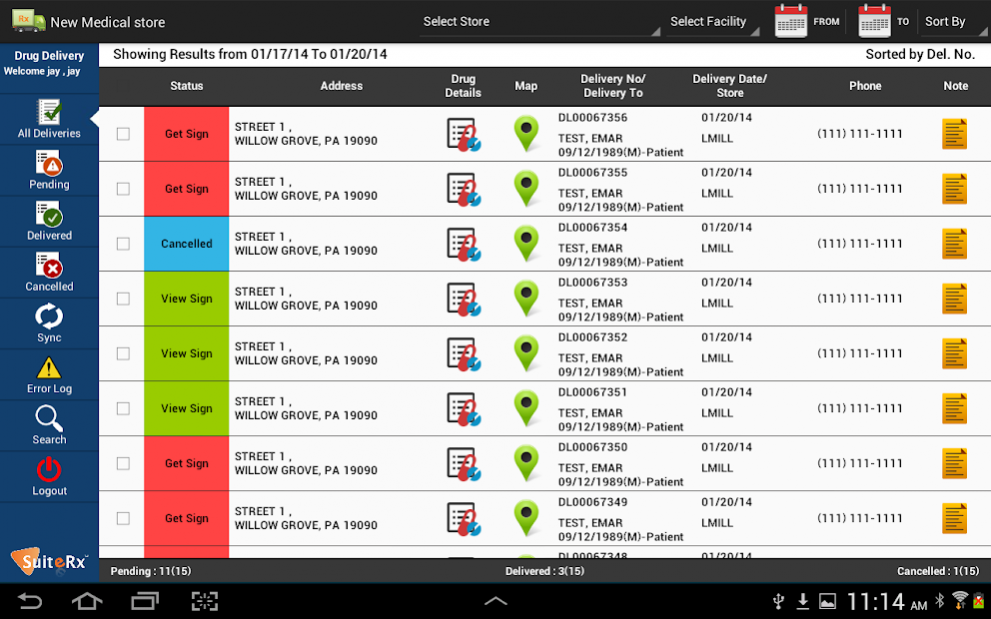
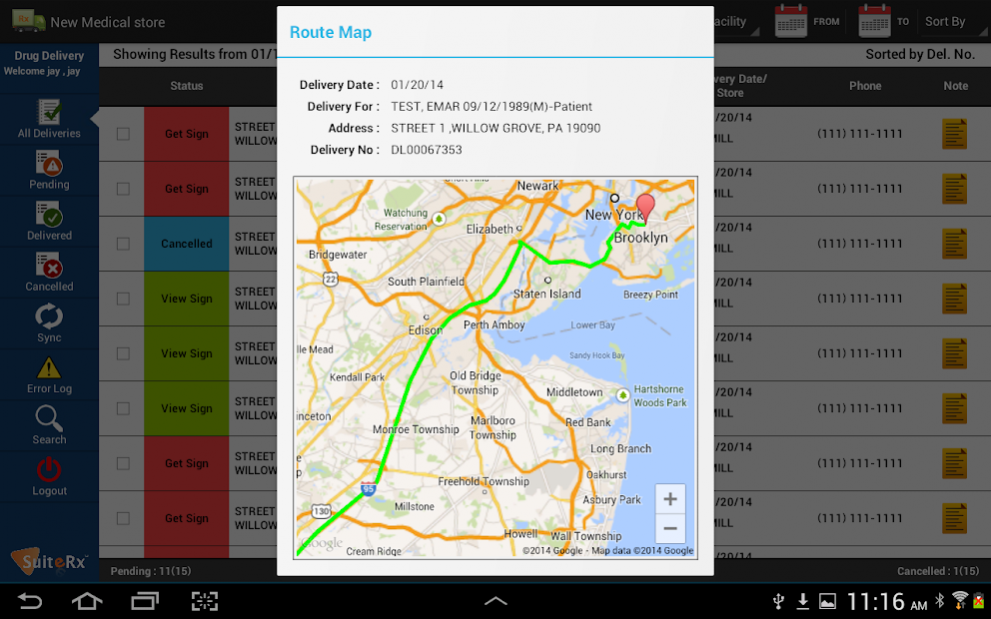
This application is intended for the employees of the pharmacies that are using IPS, Intelligent Pharmacy Software. This application will download the drug delivery information from the Pharmacy Software and then employees of the pharmacies can deliver these drug packages, edit the details, and process these deliveries offline. After saving everything, whenever they will get connected to the Internet again, they can again upload the updated data back to the server synchronizing all changes. Functionality in detail has been listed below.
IPS Mobile Delivery is a mobile application that allows you to store delivery data locally, process them offline, and update delivery records wherever you are and whenever needed, without having to log on to Pharmacy Portal. Through the IPS Mobile Delivery application, you can specifically do the following:
View all deliveries
View pending, delivered, or cancelled deliveries
Filter deliveries by store, facility, and date
Sort delivery records
Update delivery status
View and update delivery details
View patient’s drug details
Sign single and multiple deliveries
Re-sign delivery and view sign
View the Route Map for single and multiple locations
Add and view delivery note
Sync updated deliveries to server
View error log
Search and fetch live data from Pharmacy Portal
About Mobile Delivery
The company that develops Mobile Delivery is Meditab Software Inc.. The latest version released by its developer is 10.0.2.
To install Mobile Delivery on your Android device, just click the green Continue To App button above to start the installation process. The app is listed on our website since 2020-11-06 and was downloaded 1 times. We have already checked if the download link is safe, however for your own protection we recommend that you scan the downloaded app with your antivirus. Your antivirus may detect the Mobile Delivery as malware as malware if the download link to com.suiterx.mobiledelivery is broken.
How to install Mobile Delivery on your Android device:
- Click on the Continue To App button on our website. This will redirect you to Google Play.
- Once the Mobile Delivery is shown in the Google Play listing of your Android device, you can start its download and installation. Tap on the Install button located below the search bar and to the right of the app icon.
- A pop-up window with the permissions required by Mobile Delivery will be shown. Click on Accept to continue the process.
- Mobile Delivery will be downloaded onto your device, displaying a progress. Once the download completes, the installation will start and you'll get a notification after the installation is finished.
Program Details
System requirements
Download information
Pricing
Version History
version 10.0.2
posted on 2020-11-06
- Now register the name of the person who received the delivery.
version 7.1.5
posted on 2018-11-29
- Compatible with Android Pie and Android Oreo versions.
- Support for Credit and FSA/HSA Payments added.
- Minor bug fixes and performance improvements.
